Process Workflow
Map of a feature or Process and all the support systems that have to communicate with the main interface to guarantee the feature works correctly.

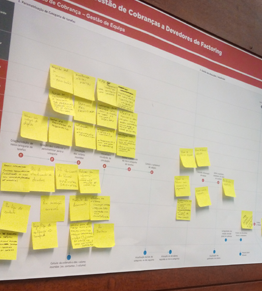
Map of a feature or Process and all the support systems that have to communicate with the main interface to guarantee the feature works correctly.
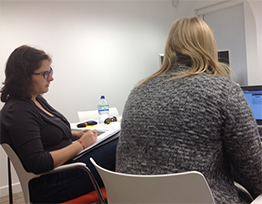
It's a usability testing technique where the user speaks out loud what goes through his/her head during the testing session.

Fictional characters whose needs and features synthesize the findings of the Research done previously with real users.

Analysis of how the business works, all stakeholders involved and their relations, organizational culture and the existing technology that supports the processes in place.

A service design method used to represent a journey of a persona and identify the interaction with different touch points of a given service.
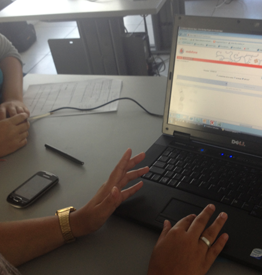
Interviews to users while performing their tasks in their regular workspace/workstation.
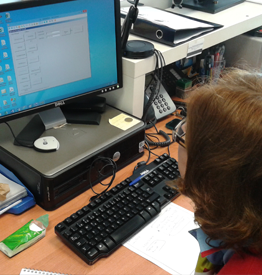
Observation method to understand daily tasks performed by operators without disrupting their work.
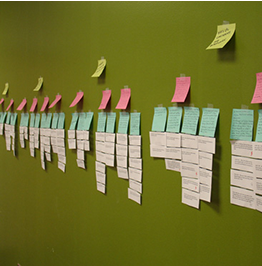
Activity used to organize information from user Interviews and other data gathering methods to identify findings and insights from research.
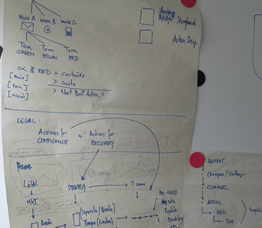
Workshops with some of the main stakeholders to generate ideas based on the findings from the research and then prioritize these by impact and effort.

Comparative analysis of similar products/services offered by other companies.

Organizing team tasks to keep track of all the jobs that need to be done. Tools: Trello, JIRA...
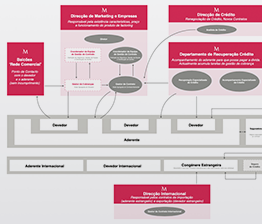
Diagram that includes all the stakeholders of a given project, and their impact in the project.
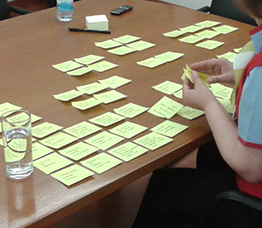
Activity where users group a set of features based on their name and what they do so that the designer/researcher can understand the users mental model and how they associate these features.
Map of a feature or Process and all the support systems that have to communicate with the main interface to guarantee the feature works correctly.
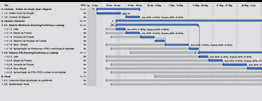
Planning calendar, activities, number of designers and researchers allocated to a given project. Tools: Merlin, Project, OmniPlan, Powerpoint, Excel.
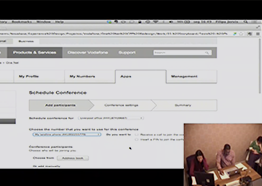
Activity that is included in the prototyping stage when prototypes features are tested. Each user test has a script and a number of tasks that will allow assessing the usability of the prototype.
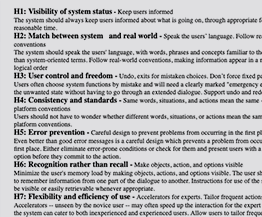
Usability Analisys of a given service based on Jakob Nielsen's 10 usability principles, the heuristics. The issues are then prioritized in an Expert Review Report that may also include recommendations on how to solve the identified issues. Tools (UAR template - Usability Aspect Report from Carnegie Mellon University)
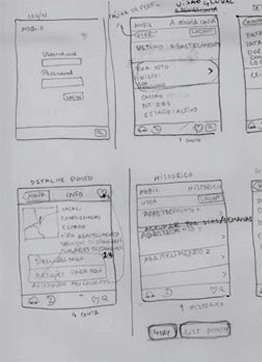
Planning the interface layout to understand content, information architecture and navigation
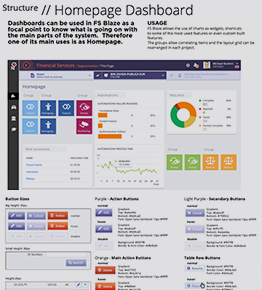
Creating the UI Kit for the new interface.

Online surveys are used to get feedback remotely. Usually requires follow up sessions with business or users to better understand the results.

Map based on the user experience (customer) with a service that includes the touchpoints with that service, and all the backstage activities that need to be in place to support it.
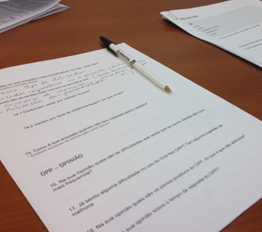
In UX one can Interview with different purposes. Interview users: to understand their needs and context of use. But one can also interview other stakeholders: to understand the business, project scope, clarify goal, cultural context...
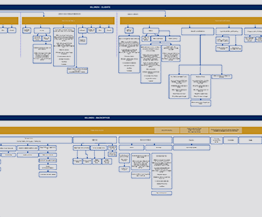
First plan of the app/site structure. This activity allows organizing the pages and sections of the interface and flow before creating any layout. Can be adjusted during the prototyping stage.

Interactive prototype based in wireframes (grayscale) partially functional to test the flow of the interface. Can be created using different tools: Axure, Invision, Balsamiq, HTML, Marvel, Adobe XD...